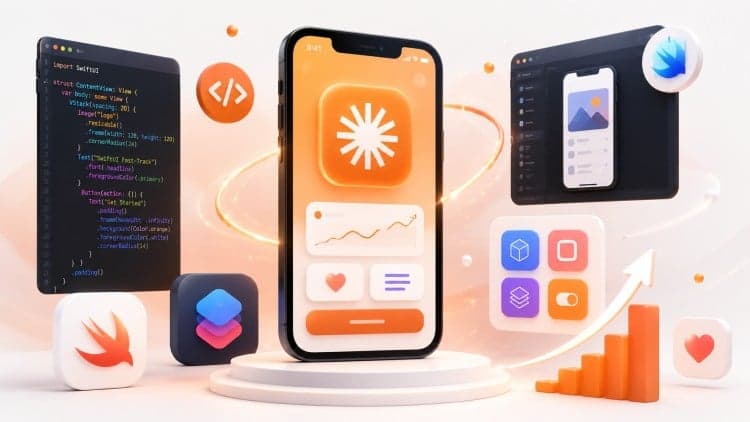
Build iOS Apps with Claude AI: The SwiftUI Fast-Track
Master new skills with expert-led instruction. Get 100% OFF with verified coupons and earn your certificate.
Lifetime access • Certificate included
This course includes:
- 📹0 mins on-demand video
- 📄9 articles
- 📥0 downloadable resources
- 📱Access on mobile and TV
- 🏆Certificate of completion
- ♾️Full lifetime access
📖About This Course
This course contains the use of artificial intelligence.The course features high-quality AI-generated voice-over narration, ensuring smooth, clear, and engaging guidance throughout every lesson. The AI voice-over enhances explanations, maintains consistent pacing, and helps you stay focused as you learn complex concepts in a simple, beginner-friendly manner.Here's something most iOS tutorials won't tell you: the developers shipping polished apps fast right now aren't hand-typing every line of SwiftUI boilerplate from scratch. They're using AI tools intelligently—and it changes everything about how quickly you can actually build something worth showing people.That's what this iOS SwiftUI development with Claude AI course is about.We use Claude AI and Cursor to handle the tedious parts—design-to-code translation, boilerplate generation, debugging suggestions—so we can focus on the logic, the architecture, and the UI that actually makes an app feel polished. And I'll be honest: when you see how fast you can move with this workflow, it's a bit shocking. This isn't just a productivity trick. It fundamentally changes what's possible in an afternoon.And this isn't a 50-hour bootcamp that spends three lectures explaining what a variable is. We jump straight into building real, complex features using iOS SwiftUI development with Claude AI from the very start.What are we actually building? A Task Manager app—but the real project is a Dynamic Calendar System. If you've ever tried to build a custom calendar in SwiftUI by hand, you know how painful that gets. We build daily, monthly, and yearly views from scratch—custom scrolling logic, event modals, search filters, the whole thing. The kind of project that belongs in a real portfolio.Along the way, the iOS SwiftUI development with Claude AI training covers Figma-to-SwiftUI translation (honestly saves hours per project), how to prompt Cursor so you actually get usable code back, advanced UI components like photo and document pickers, dynamic progress graphs, and gesture recognizers—tap, drag, pinch—all connected to smooth custom animations.And we hit bugs. Real ones. I show you exactly how to debug AI-generated code on the fly, which is one of the most useful things in the entire course.If you have basic coding knowledge and want to see how fast iOS development can actually move today—let's get into it.
Frequently Asked Questions
Q: Is this course really free?
Yes! Using our verified coupon code, you can enroll for 100% OFF. No hidden charges.
Q: Do I get a certificate?
Upon completion of all video lectures, Udemy will issue a certificate of completion.
Q: How long is my access?
Once you enroll with the coupon, you get full lifetime access to the materials.
You May Also Like
![AWS DynamoDB Mastery - Free Udemy Course [100% Off]](/_next/image?url=https%3A%2F%2Fimg-c.udemycdn.com%2Fcourse%2F750x422%2F6144847_7510_4.jpg&w=1200&q=75)
AWS DynamoDB Mastery - Free Udemy Course [100% Off]

Professional Certificate in SQL and SQL for Data Analysis