Logo Design Basics: Moodboard, Typography & Brand Colors
Master new skills with expert-led instruction. Get 100% OFF with verified coupons and earn your certificate.
Lifetime access • Certificate included
This course includes:
- 📹0 mins on-demand video
- 📄1 articles
- 📥0 downloadable resources
- 📱Access on mobile and TV
- 🏆Certificate of completion
- ♾️Full lifetime access
📖About This Course
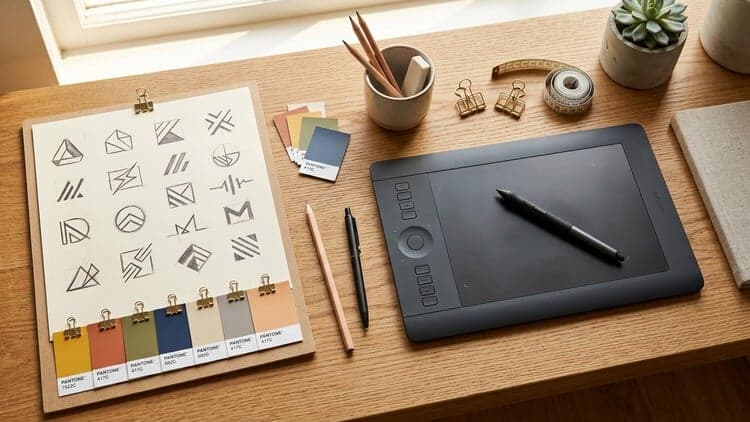
A great logo starts long before you open Illustrator. In this short, practical course you will learn the process designers use to go from an idea to a clean, memorable logo with the right colors and type.What you will learn:Shape and color psychology: how circles, triangles, squares and color values change what a brand feels like.Photoshop essentials for moodboards: layers, masks, brushes, gradients and clipping masks.Building a moodboard that locks in a clear visual direction.Illustrator tools for logo work: shapes, Pathfinder, Shape Builder and the pen tool.Typography for logos: choosing and adjusting type that fits the brand.Designing the logo step by step and creating its color palette.Everything is shown on screen at a comfortable pace, so you can follow along and design your own logo at the same time. No design experience is needed; free trials of Photoshop and Illustrator are enough.By the end you will have a finished logo with a color palette and a simple, repeatable process for future logo projects.This course is built from the moodboard and logo modules of my full course Mastering Branding, for students who want to focus on logo design.Who this course is for: beginner graphic designers, freelancers starting with logo work, and entrepreneurs who want to design their own logo.
Frequently Asked Questions
Q: Is this course really free?
Yes! Using our verified coupon code, you can enroll for 100% OFF. No hidden charges.
Q: Do I get a certificate?
Upon completion of all video lectures, Udemy will issue a certificate of completion.
Q: How long is my access?
Once you enroll with the coupon, you get full lifetime access to the materials.
You May Also Like

After Effects for Beginners: Animate Stickers & Expressions
Figma Prototyping: Parallax, Reveals & Page Transitions