Microsoft Power BI for Beginners & Excel Users
Master new skills with expert-led instruction. Get 100% OFF with verified coupons and earn your certificate.
Lifetime access • Certificate included
This course includes:
- 📹0 mins on-demand video
- 📄4 articles
- 📥0 downloadable resources
- 📱Access on mobile and TV
- 🏆Certificate of completion
- ♾️Full lifetime access
📖About This Course
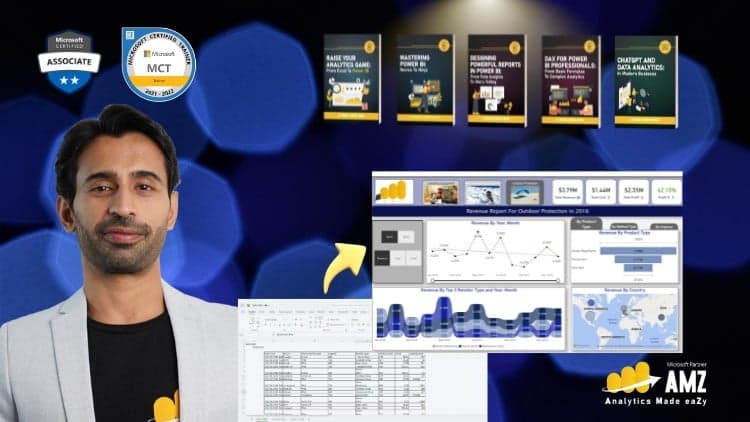
Dive into a course initially recorded live, making it engaging and interactive. You won't just be passively learning; you'll feel like you're right there in the room with participants from the corporate world and learning solutions to REAL problems.Here's what you'll learn in each unit:Introduction to Business IntelligenceOverview of Business IntelligenceThe journey from data to wisdomUnderstanding the Business Intelligence process with Power BIUnderstanding the Data CycleExploring the limitations of traditional tools like ExcelReviewing different licensing options in Power BIData Transformation Techniques in Power BIIntroduction to Power BI Query EditorCommon issues with data and how to identify themSteps for effective data cleaning:Removing columns and rowsSetting the first row as headerChanging data types, replacing values, and removing spacesHandling errors, renaming and optimizing stepsFilling down missing values, splitting columns, and removing duplicatesTips and tricks to automate data cleaningData Modeling and EnrichmentBasics of data modelling and building relationshipsUnderstanding filter propagation and cardinalityBest practices in data model constructionIntroduction to data enrichment: Creating calculated columns and measuresBasics of Data VisualizationFamiliarization with native and custom visuals in Power BIHands-on creation of various charts (pie, line, bar), tables, and cardsTechniques for drilling down hierarchies and setting visual interactionsFormatting visuals and reports, including titles, legends, and axesUtilizing slicers and different levels of filteringApplying conditional formattingEmbedding images into reportsPublishing and Sharing InsightsSteps to publish reports and set default user experiencesCreating and managing workspaces for collaborationStrategies for sharing reports effectivelyDesigning reports for mobile layouts
Frequently Asked Questions
Q: Is this course really free?
Yes! Using our verified coupon code, you can enroll for 100% OFF. No hidden charges.
Q: Do I get a certificate?
Upon completion of all video lectures, Udemy will issue a certificate of completion.
Q: How long is my access?
Once you enroll with the coupon, you get full lifetime access to the materials.
You May Also Like
Implementing Network Load Balancing
Active Directory: Monitoring, Managing and Recovering AD DS