Software Testing & Web Automation with Microsoft Playwright
Master new skills with expert-led instruction. Get 100% OFF with verified coupons and earn your certificate.
Lifetime access • Certificate included
This course includes:
- 📹0 mins on-demand video
- 📄3 articles
- 📥0 downloadable resources
- 📱Access on mobile and TV
- 🏆Certificate of completion
- ♾️Full lifetime access
📖About This Course
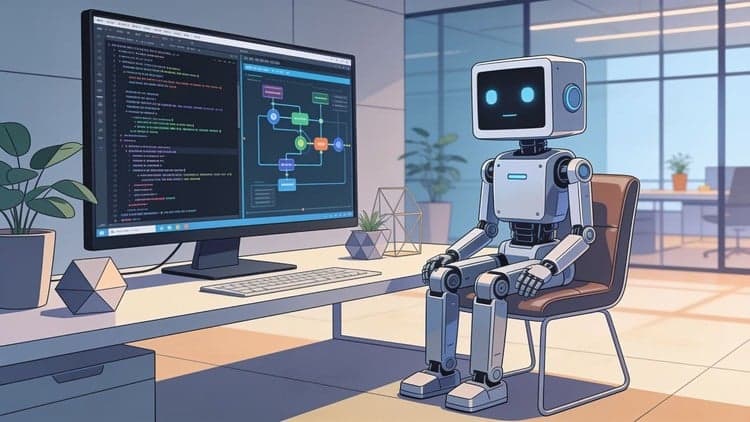
This course contains the use of artificial intelligenceDisclosure: AI tools were used only to assist in creating the course outline and course thumbnail. All instructional content, explanations, and project walkthroughs were fully created manually by the instructor.Welcome to Software Testing & Web Automation with Microsoft Playwright course. This is a comprehensive tutorial for software testers and software engineers who are interested in conducting functional testing, building web automation workflow, designing RPA solutions, and integrating AI to browser automation. This course is a perfect combination between Python and Microsoft Playwright, making it an ideal opportunity to practice your programming skills while improving your technical knowledge in automation testing. In the introduction session, you will learn the basic fundamentals of Microsoft Playwright, such as getting to know its use cases, main features, its supported browser and programming languages. Then, in the next section, we will learn basic interactions with web elements, we are going to use Microsoft Playwright to open website URLs, navigate the website, scroll down, click buttons, enter text, select dropdown menu, upload files, and perform drag and drop actions. These training will help us to understand how Playwright interacts with different web elements automatically. Afterward, in the next section, we will perform functional testing using Playwright, firstly we are going to test login and log out functionalities. In this case, we will have two test cases, the first one with incorrect username and incorrect password, and the second one with the correct username and correct password. This will help us verify how the application handles both successful and unsuccessful authentication processes. Following that, we are going to test search and filter functionalities. This will enable us to verify whether the application correctly returns and displays the expected results based on different search queries and filter criteria. Then, after that, we are going to test online booking features. The objective is to verify that users can select available options and successfully complete a booking. In addition, we are also going to test form submission. The objective is to verify that forms accept valid inputs and display the expected confirmation after submission. In the next section, we are going to extract data from a rental property website using Playwright, then use Pandas to sort the properties from the cheapest to the most expensive and save the extracted data in CSV format. After that, we are going to build three web automation and robotic process automation projects. In the first project, we are going to build a data entry automation workflow where users can upload a CSV file containing data of new employees, then we will use Playwright to automatically input the data one by one to the human resources dashboard. In the second project, we are going to build an inventory monitoring automation workflow to monitor stock levels, identify items with low inventory, automate the reorder process, and generate purchase orders. In the third project, we are going to create a simple automation workflow to download all invoices and store them in one folder. In the next section, we are going to integrate AI into web automation. Firstly, we are going to connect the system with an LLM API, specifically, we will use Mistral AI, then we will turn a text prompt into browser actions, following that we will use Microsoft Playwright to perform and automate the actions. Lastly, at the end of the course, we are going to build an AI agent for browser automation using voice commands. We will transcribe the user voice command into text, use an LLM to interpret the intent and generate browser actions, then use Microsoft Playwright to perform those actions, for examples like selecting menu items and placing an order on a restaurant websiteFirstly, before getting into the course, we need to ask this question to ourselves. Why should we learn about software testing and web automation? Well, here is my answer, software testing helps us ensure that applications work reliably and as intended, while web automation allows us to automate repetitive tasks and workflows. Even more exciting, combining web automation with AI enables us to create an agent that can perform many different tasks automatically.Below are things that you can expect to learn from this course:Learn the basic fundamentals of Microsoft PlaywrightLearn how to conduct functional testing using PlaywrightLearn how to build RPA and web automation workflow using PlaywrightLearn how to build AI browser automation agent with voice commandLearn how to open website, scroll down, and click button using PlaywrightLearn how to enter text, clear text, and select dropdown option using PlaywrightLearn how to upload file and perform drag and drop action using PlaywrightLearn how to test login and log out feature using PlaywrightLearn how to test search and filter feature using PlaywrightLearn how to test online booking feature using PlaywrightLearn how to test form submission feature using PlaywrightLearn how to extract data using Playwright and store the data in CSV fileLearn how to build data entry automation using PlaywrightLearn how to monitor inventory and automate reorder process using playwrightLearn how to automate invoice download using PlaywrightLearn how to connect AI API to Playwright and turn text prompt to browser actionLearn how to integrate AI to web automation workflowLearn how to create voice command system for browser automationLearn how to build AI browser automation agent using Playwright and Mistral
Frequently Asked Questions
Q: Is this course really free?
Yes! Using our verified coupon code, you can enroll for 100% OFF. No hidden charges.
Q: Do I get a certificate?
Upon completion of all video lectures, Udemy will issue a certificate of completion.
Q: How long is my access?
Once you enroll with the coupon, you get full lifetime access to the materials.
You May Also Like
Programación desde Cero: Lógica para Principiantes
Portal de noticias con Angular-Spring Boot-Github Copilot